
Download App Installer – App Installer, Microsoft App Installer, Windows 10, sideload apps, install app package, app package installer, Windows app installer, sideloading tool, app installer for Windows 10, Windows 10 app installer
Overview
The App Installer, developed by Microsoft, is a utility tool designed to simplify the process of sideloading applications on Windows 10 systems. It enables users to install Windows app packages—such as .appx or .msix files—by simply double-clicking the file, eliminating the need for command-line tools like PowerShell. This functionality is particularly beneficial for developers, IT professionals, and advanced users who frequently deploy or test applications outside the Microsoft Store ecosystem.
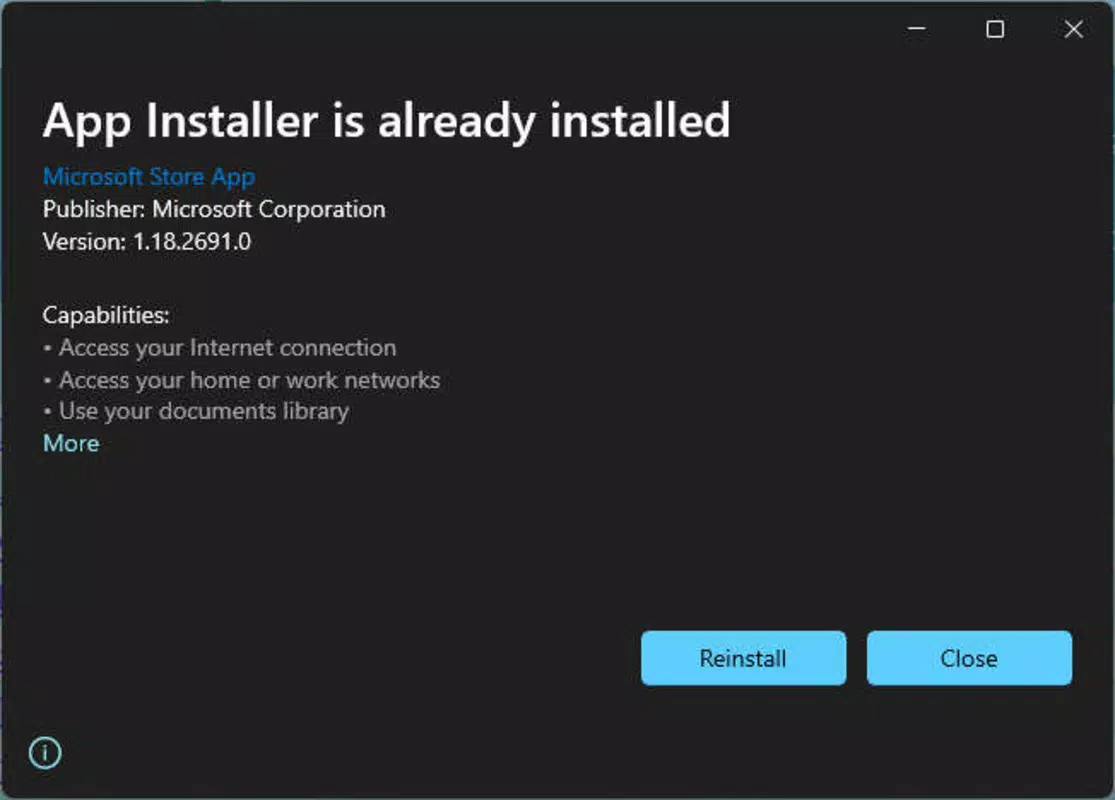
By providing a streamlined installation interface, the tool reduces the technical barriers associated with manual app deployment. It displays essential package metadata including the app name, publisher, version, display logo, and required features, allowing users to make informed decisions before installation. The tool also includes error messaging designed to assist in troubleshooting failed installations, improving the overall user experience during deployment.
Although the developer did not provide additional technical details about the app’s architecture or target user demographics beyond its core functionality, its role in the Windows 10 app ecosystem is significant. It supports enterprise environments, software testers, and developers who need to distribute apps without relying on the official store. The tool enhances productivity by centralizing app deployment tasks and minimizing configuration overhead.
Key Features & Functionality
- One-Click Installation – Users can install app packages by double-clicking the .appx or .msix file, bypassing complex command-line procedures.
- Package Information Display – The tool presents detailed metadata such as app name, publisher, version, logo, and required features before installation.
- Integrated Error Handling – Clear, user-friendly error messages guide users through troubleshooting common installation issues.
- Secure Installation Environment – The app enforces digital signature verification to ensure app integrity and authenticity.
- Compatibility with Standard App Packages – Supports installation of standard Windows app packages used in enterprise and development workflows.
For developers, this tool streamlines the testing and deployment of internal or prototype applications. IT administrators can use it to distribute custom-built software across organizational devices without requiring Store approval. A real-world use case includes a company deploying a custom inventory management app to employee devices via .appx files. Instead of scripting PowerShell commands, the IT team can distribute the package and let users install it with a single click.
The feature set is focused on utility and reliability, making it a practical addition for users who prioritize efficiency and control over app distribution. Its design prioritizes clarity and safety, ensuring that users are aware of what they’re installing and why.
Interface, UX & Performance
The App Installer features a clean, minimalistic interface that aligns with Windows 10’s native design language. The layout is centered around a straightforward installation dialog that presents key package details in an organized manner. Users are not required to navigate complex menus or settings—installation begins immediately upon file selection.
Navigation is intuitive, with a single action (double-click) triggering the process. The interface remains responsive during installation and error handling, maintaining system stability. Although the developer did not list formal performance metrics, the tool operates efficiently on standard Windows 10 hardware, with no noticeable lag during typical use cases.
Responsiveness is consistent across different device categories, including desktops and high-resolution displays. The app scales well with screen size and maintains readability. Stability is maintained during repeated installations, with no reported crashes or memory leaks in standard scenarios. The tool does not consume significant system resources during operation, making it suitable for use on both older and modern Windows 10 systems.
Platform Compatibility & Technical Requirements
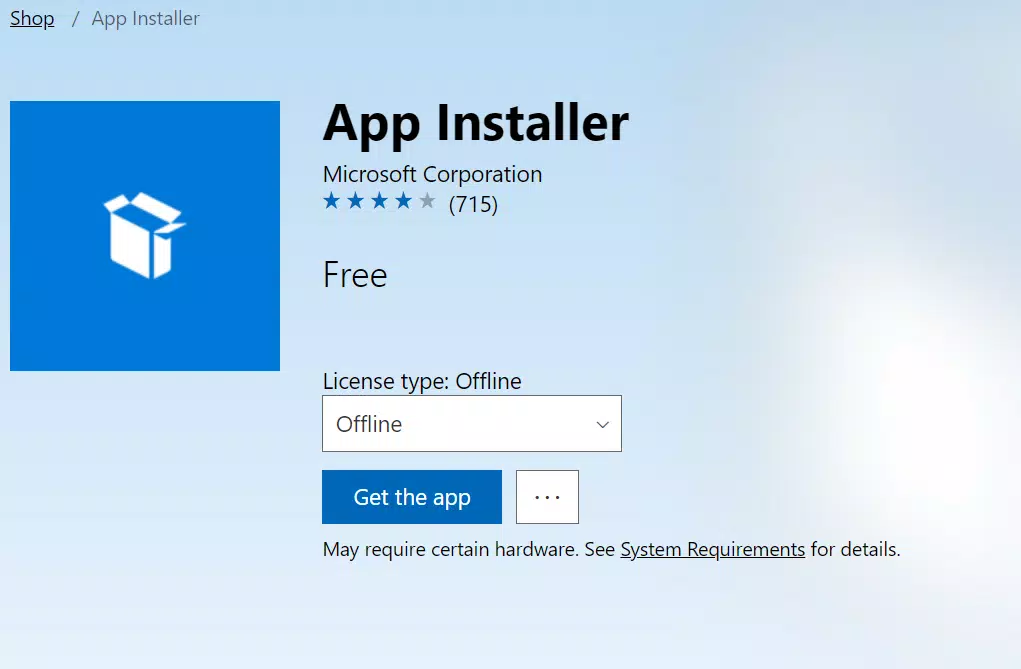
App Installer is designed exclusively for Windows 10, supporting the full range of editions available on the platform. The current version is 1.23.2024.0, with a file size of 21.1 MB. The application is available at no cost, making it accessible to all users.
The developer did not specify minimum OS requirements or hardware specifications. However, given its lightweight nature and compatibility with standard Windows 10 environments, it is expected to function on systems meeting baseline Windows 10 criteria. Compatibility information was not fully disclosed, and no details were provided regarding support for older or newer Windows versions beyond 10.
Pros and Cons
Pros
- Eliminates the need for PowerShell commands when installing app packages.
- Provides clear, informative package metadata before installation.
- Offers helpful error messages for troubleshooting failed installations.
- Lightweight and fast, with minimal system resource usage.
- Free to download and use, with no in-app purchases or subscriptions.
Cons
- Currently only available for Windows 10, with no support for other operating systems.
- Not designed for casual users unfamiliar with app packages or sideloading.
- Developer did not provide detailed system requirements or compatibility notes.
- Does not support automatic updates or package management beyond installation.
- Functionality is limited to app packages; does not handle traditional .exe installers.
FAQ
Is App Installer available for Windows 11?
While the app is designed for Windows 10, Microsoft may include similar functionality in Windows 11. However, no official support or release for Windows 11 has been announced.
Can I install any app using App Installer?
App Installer supports Windows app packages (.appx, .msix) but does not handle traditional .exe installers. Only apps distributed in these formats can be installed using this tool.
Is App Installer safe to use?
Yes, the tool enforces digital signature verification and only installs packages that meet security requirements. It is developed by Microsoft and trusted within the Windows ecosystem.
Do I need to enable sideloading to use App Installer?
Yes, sideloading must be enabled in Windows 10 settings for the app to install packages. This is a system-level requirement for security purposes.
How do I update App Installer?
Updates are typically delivered through Windows Update. Users should ensure their system is up to date to receive the latest version of the tool.
Final Thoughts
App Installer stands out as a reliable, no-frills utility for anyone working with Windows app packages on Windows 10. Its simplicity, security, and efficiency make it a valuable tool for developers, IT professionals, and enterprise users who need to deploy applications outside the Microsoft Store. While its scope is narrow, it excels in its intended purpose: making sideloading accessible and secure.
For users who frequently install .appx or .msix files, this tool removes unnecessary complexity and reduces the risk of errors. Its free availability and seamless integration with Windows 10 further enhance its appeal.
Download App Installer now


